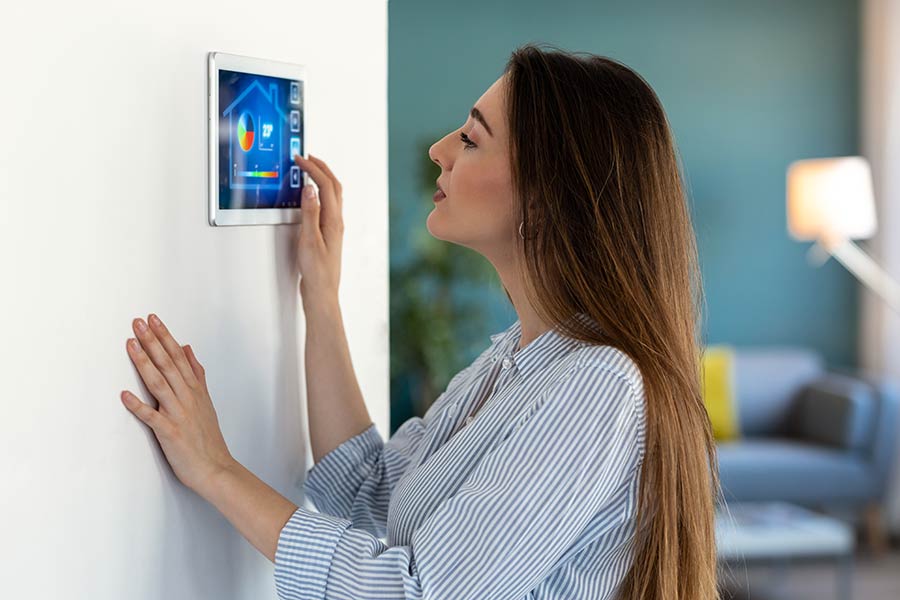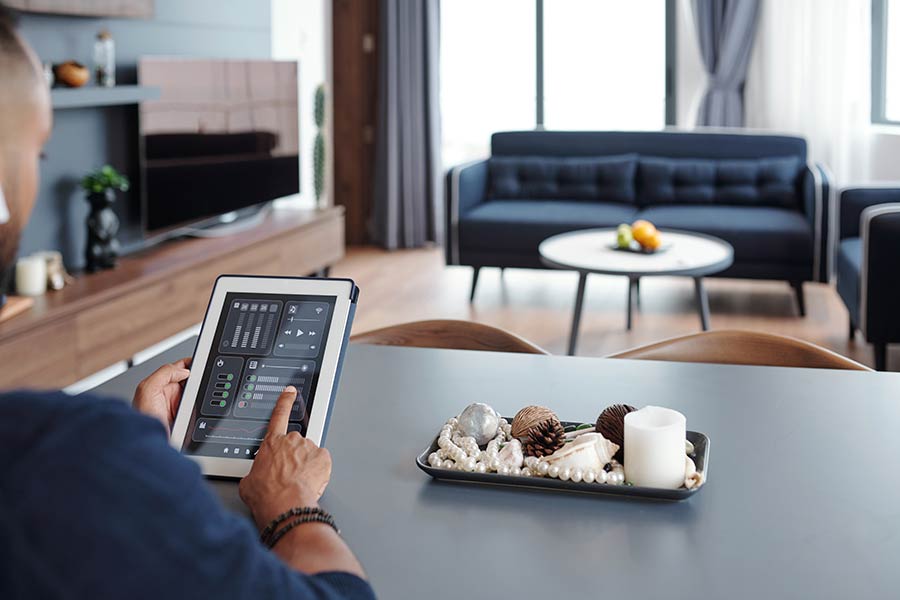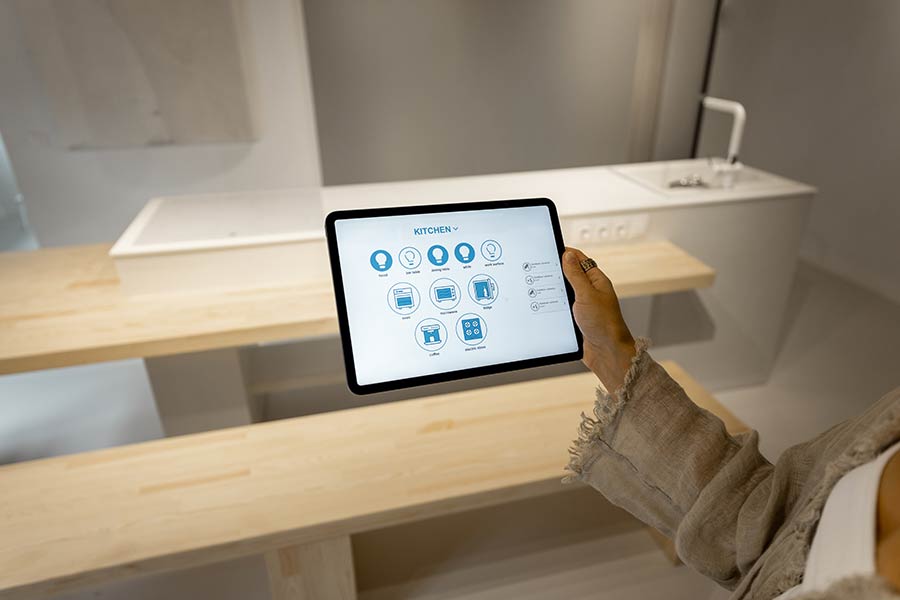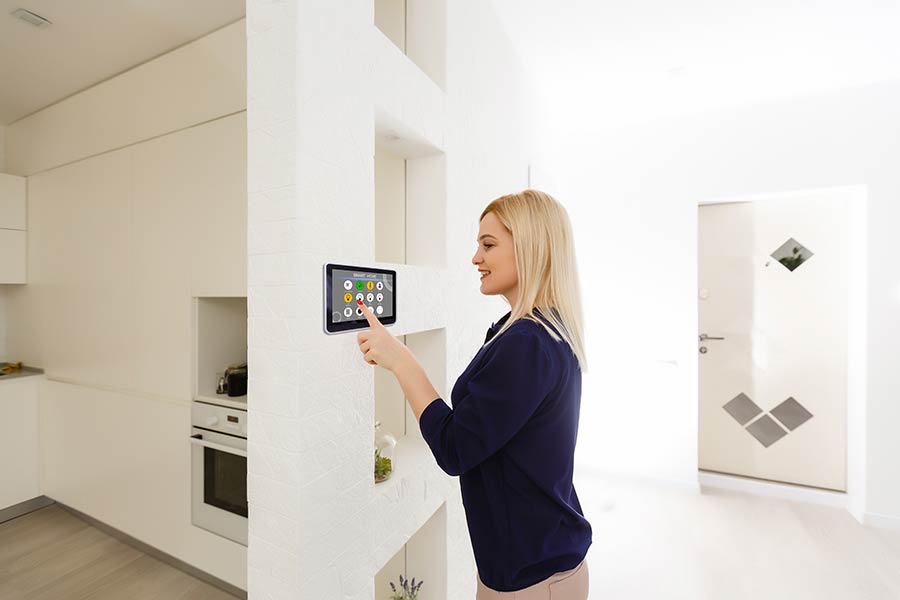

"The smartphone app is the primary way most people monitor, control and program their automated home systems and devices. A well-designed home automation app provides an easy, intuitive and centralized interface to manage your smart environment. This review explores the key features, strengths and considerations of the leading home automation apps available in 2023 based on platforms, functionality and overall user experience.
Benefits of Smart Home Apps
Well-designed home automation apps for your smartphone or tablet offer important benefits:
- Centralized control – Manage all automated devices in one place
- Intuitive interfaces – Many provide device dashboards, step-by-step setup wizards, automation programming and more
- Remote access – Monitor and control your home remotely from anywhere
- Notifications – Get real-time customized alerts about activities and triggers
- Automation – Ability to set schedules, rules, routines and scenes from the app
- Ease of use – Clean, attractive visual designs allow easy device management
“The app is really command central for managing your automated kingdom,” explained Lisa Thompson, smart home technology expert.
Leading Home Automation Platform Apps
Here are reviews of the most popular home automation app platforms on the market in 2023:
Amazon Alexa App
Key Features: Control Alexa devices, enable Alexa routines and automations, manage smart home devices, view device usage Strengths: Tight integration with Alexa and Amazon-owned devices like Ring and eero, easy automation programming Considerations: More limited with third-party brands, app can feel cluttered
Google Home App
Key Features: Control Google/Nest devices, cast media to speakers, program automations, integrate third-party devices Strengths: Easy multi-user management, works well with Nest products, clean and simple interface Considerations: Some find third-party device integration clunky
Apple Home App
Key Features: Control HomeKit-enabled devices, create scenes and automations, manage accessories and rooms, multi-user support Strengths: Seamless Siri and HomeKit device integration, intuitive automations builder, robust privacy controls Considerations: Only works with Apple ecosystem brands
Top Accessory Apps
In addition to big platform apps, apps for specific devices and accessories also simplify home automation:
Philips Hue App
Key Features: Control Philips smart lights and bulbs, create lighting schedules and scenes, automate based on triggers Strengths: Smooth integration of Hue lights, scenes, formulas and accessories. Very full-featured. Considerations: Only works with Philips Hue products
Wemo Stage App
Key Features: Control Belkin Wemo branded smart plugs, lights and switches. Set schedules, rules and timers. Strengths: Simple interface. Allows grouping by room. Night mode to dim lights gradually. Considerations: Limited to Wemo ecosystem “Look for apps specialized for your specific devices for enhanced functionality,” said Thompson.
Key Factors for Choosing Apps
When selecting home automation apps, consider:
- How easily the app integrates your specific smart devices and platforms
- Whether the app provides the scheduling, automation and control capabilities you need
- Ease of initial setup and programming new devices and rules
- The visual design and intuitiveness of the interface
- How many simultaneous users the app supports if needed
- Any privacy, security or data stewardship considerations
“The best app becomes your mission control for intelligent home management,” summarized Thompson. Home automation apps remove the complexity from controlling your networked smart devices and environments. A thoughtfully designed app allows you to monitor, program and manage your home from anywhere for simplified living. As your needs evolve, your app interface keeps pace."